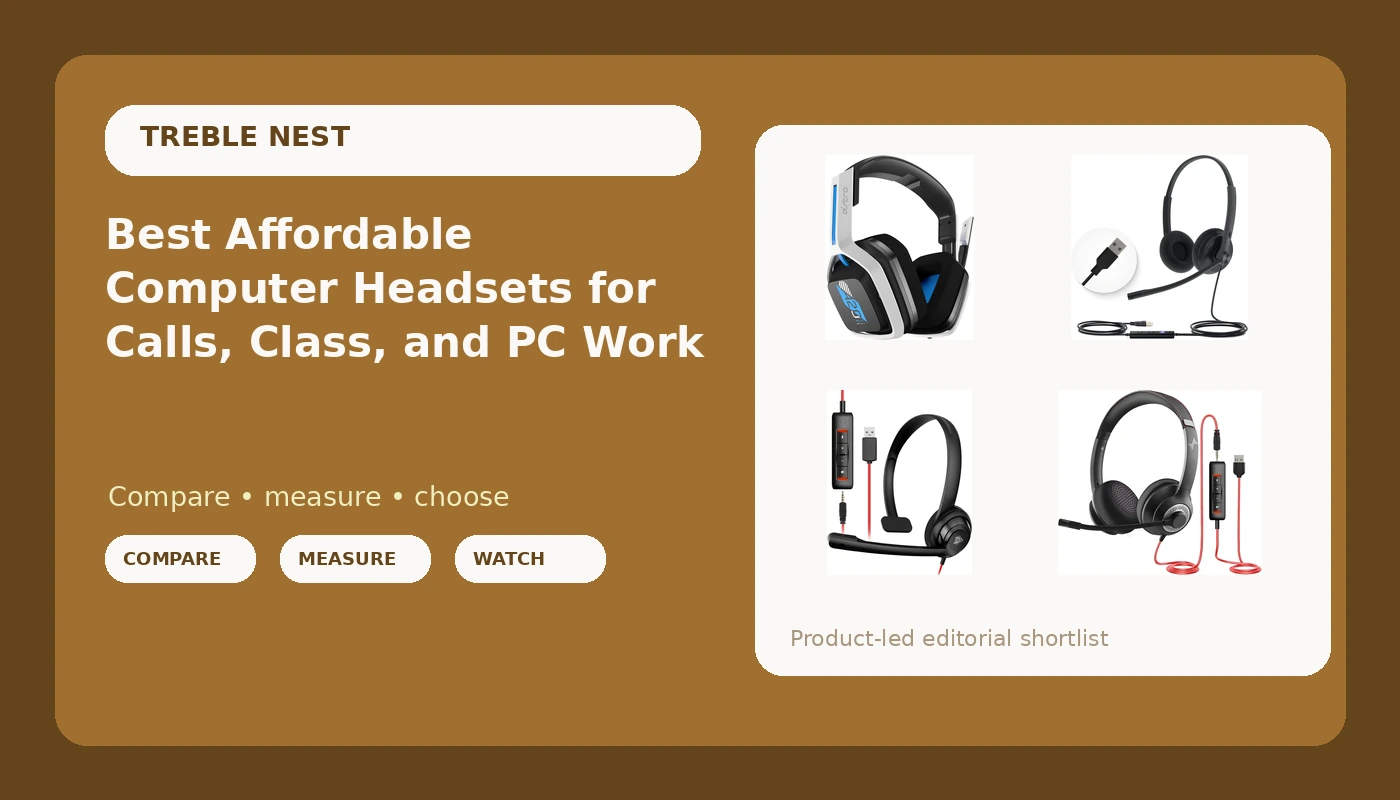
Most laptops ship with a microphone that makes you sound like you are calling from inside a cardboard box, and the fix costs less than dinner out. This guide is about the best affordable computer headsets for the person who spends the day on calls, in a virtual class, or editing audio at a desk, and who does not want to spend two hundred dollars to be understood. I lined up five models currently sold as low-cost computer headsets, from a wireless gaming set to a business-style wired headset, and compared them on the things that actually decide whether you keep wearing one: how the microphone is built, what the headset plugs into, whether the controls sit on the cable, and how the thing is meant to sit on your head for hours at a stretch.
Related: Best Budget USB Headsets for Clear Calls
Quick answer
The Yealink UH34 Lite Wired Headset, USB-A, Noise Canceling Mic, in-Line Controls is the strongest fit for all-day calls and meetings because it pairs a noise canceling boom microphone with in-line controls on a plain USB-A connection, with no software to install and no battery to manage. Choose the Logitech H390 Wired Headset instead when the cheapest recognizable name is what matters and you only need straightforward stereo USB audio.
Affordable computer headsets worth comparing
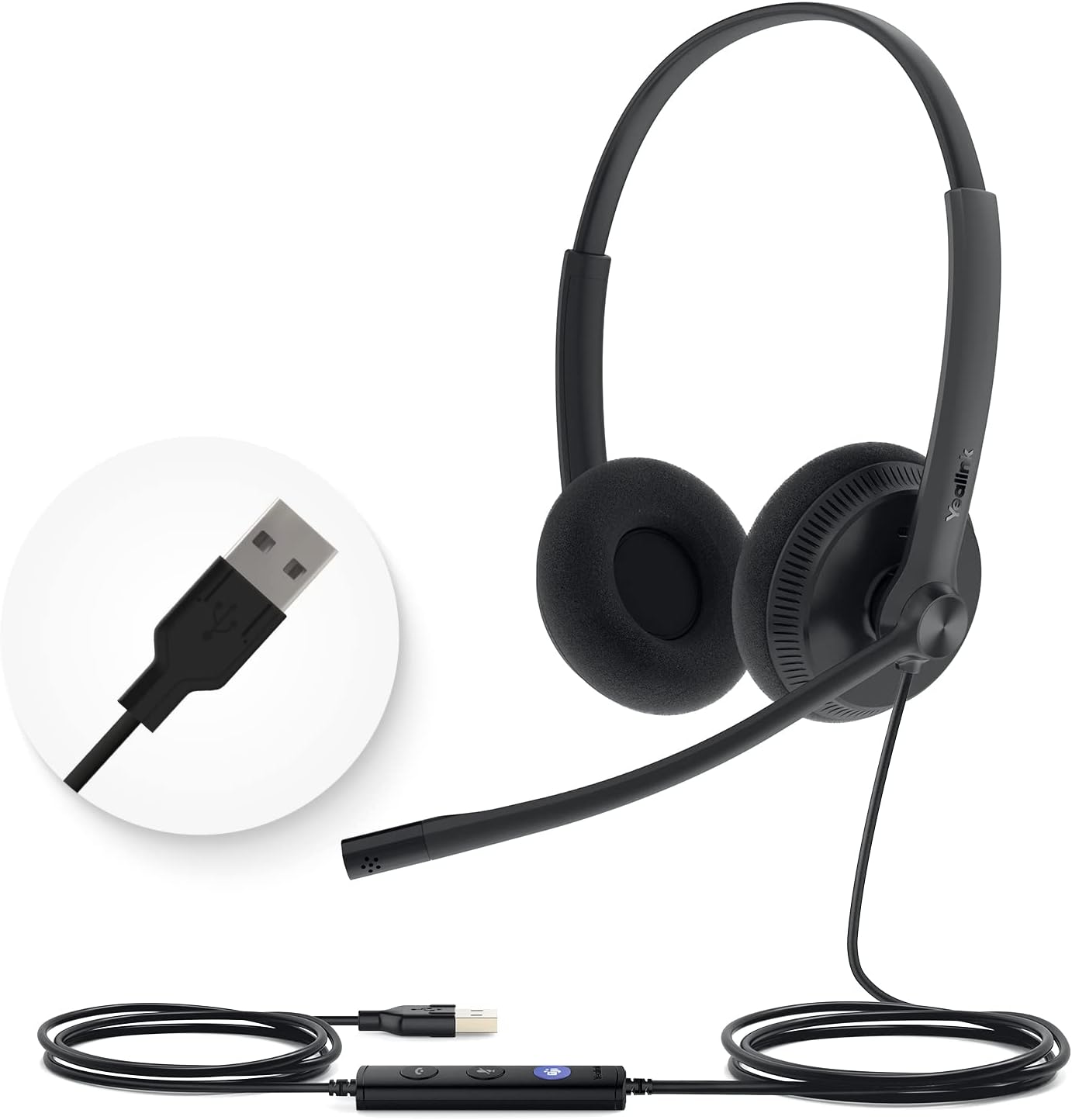
Yealink UH34 Lite Wired Headset,USB-A, Noise Canceling Mic,in-Line Controls
A business-style wired headset with a noise canceling boom microphone, in-line controls, and a USB-A plug. Built for long call days rather than music listening, and the simplest set here to hand to someone who just needs to be heard clearly.
Visit on Amazon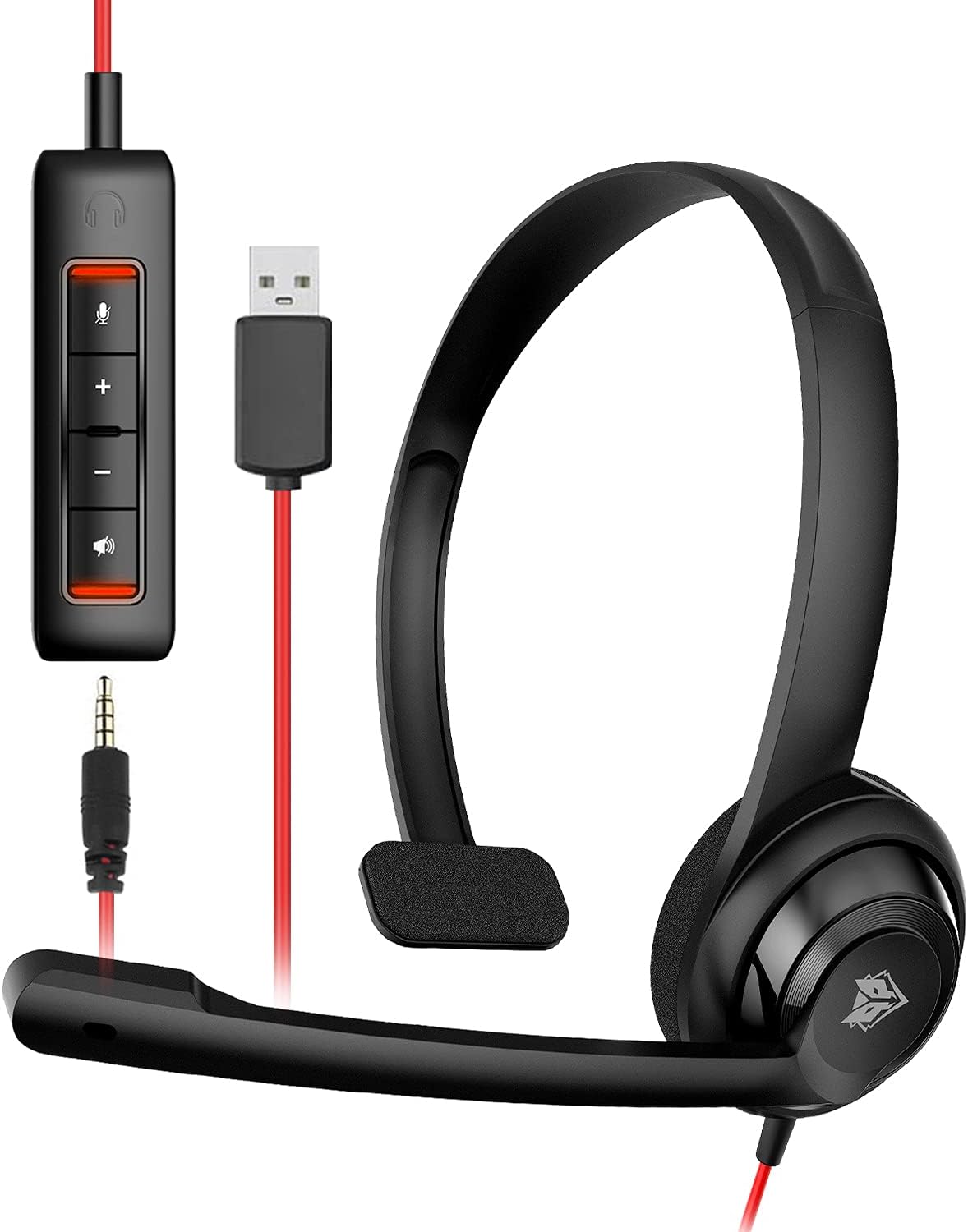
NUBWO HW02 USB Headset with Microphone Noise Cancelling &in-line Control, Ultra Comfort Computer Headset for Laptop pc, On-Ear Wired Office Call Center Headphone for Boom Skype Webinars(Black)
An on-ear USB headset with a noise cancelling microphone and in-line control, pitched at call center and office work. The boom mic and cable controls are the point here, not hi-fi sound.
Visit on Amazon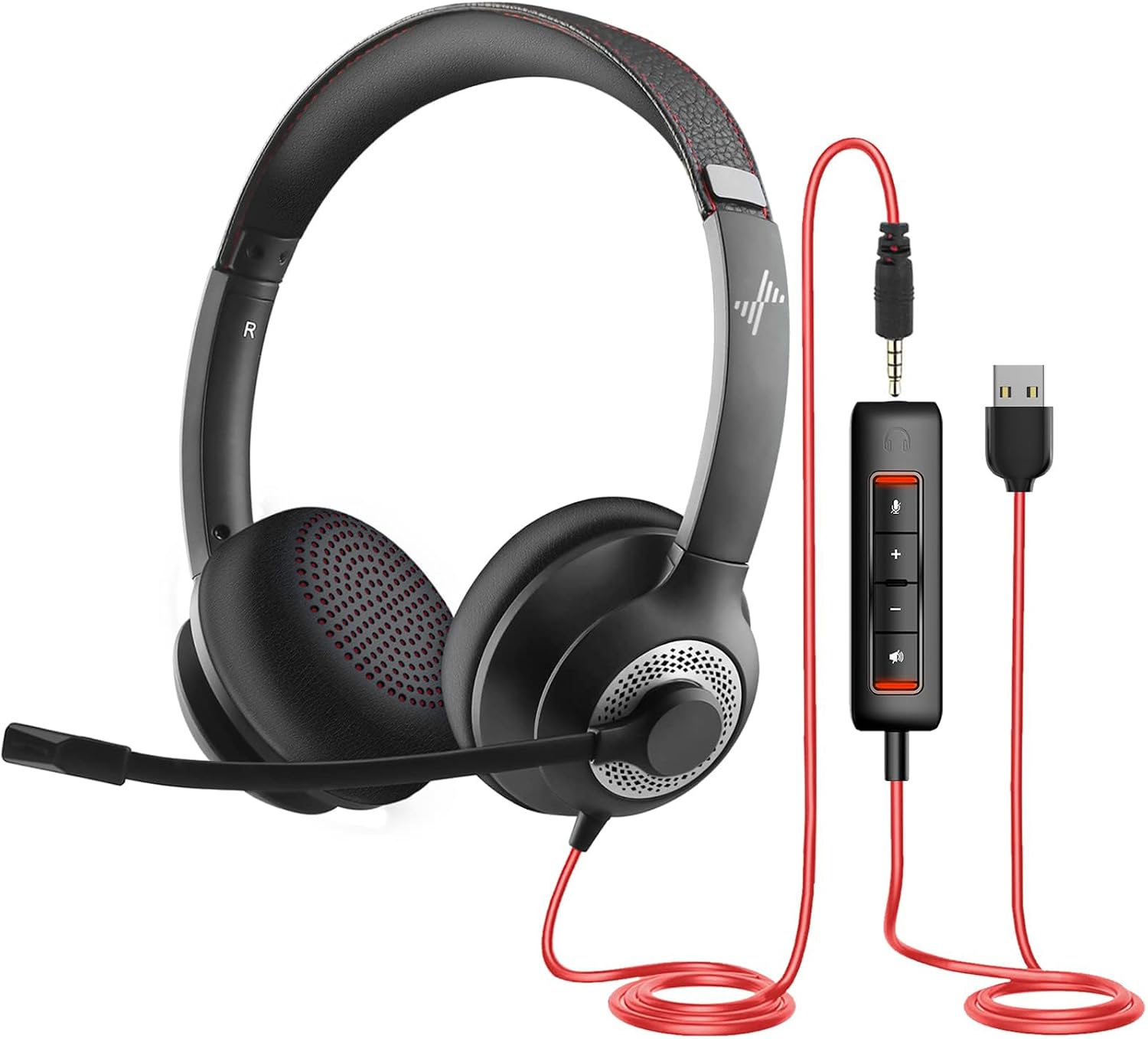
JIAMQISHI USB Headset with Microphone for PC, On-Ear Computer Laptop Headphones with Noise Cancelling Microphone in-line Control for Home Office Online Class Skype Zoom (USB+3.5mm, Black)
The flexible one: it ships with both a USB connection and a 3.5mm plug, so it can move between a laptop, a desktop, and a phone with a jack. On-ear, with a noise cancelling mic and in-line control.
Visit on Amazon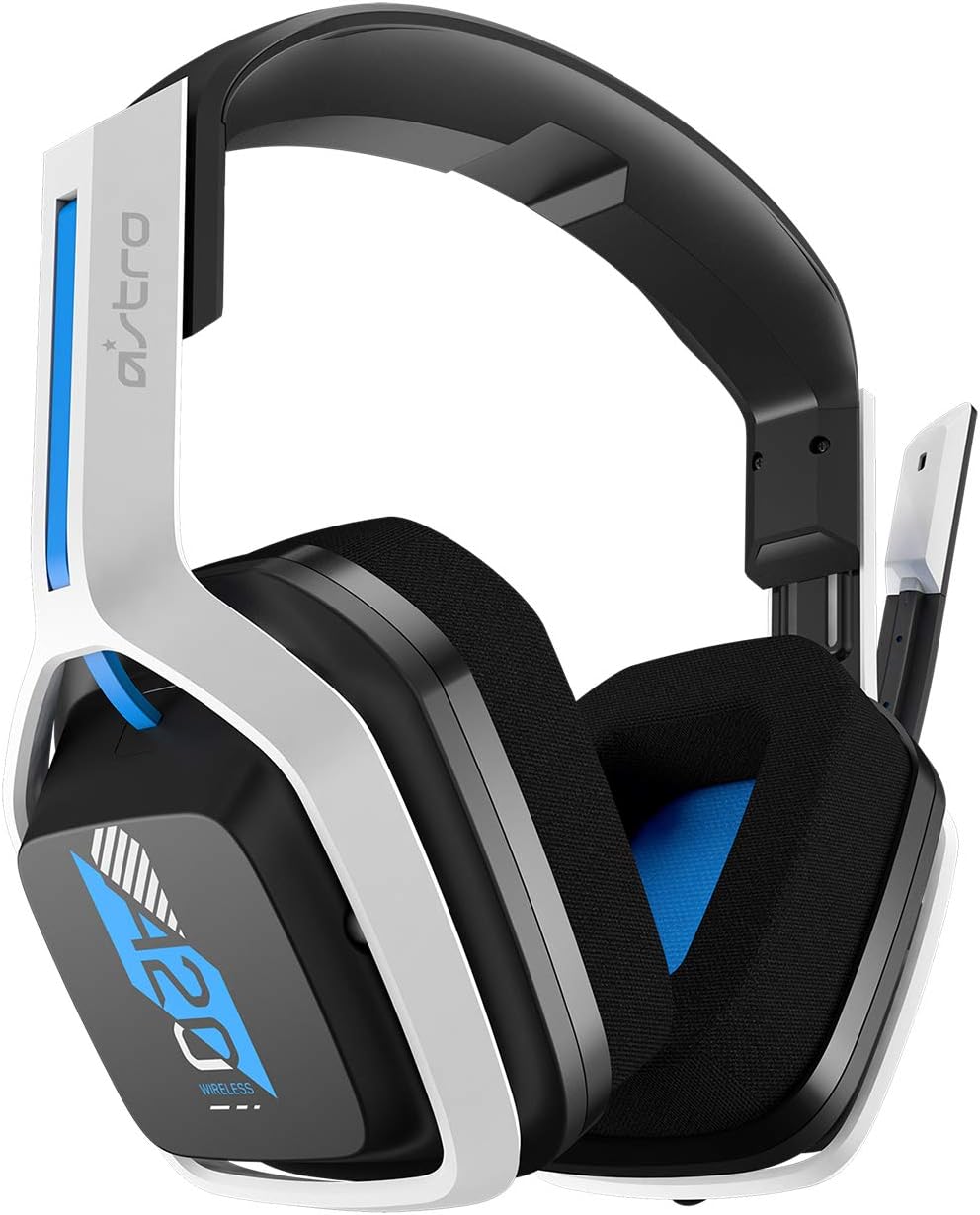
Astro Gaming A20 Gen 2 Wireless Gaming Headset for PS5, PS4, PC - White/Blue (Renewed)
The only wireless set in this group, and the only one aimed at console gaming as well as PC. Sold as a renewed unit, so read the listing condition carefully before you commit.
Visit on Amazon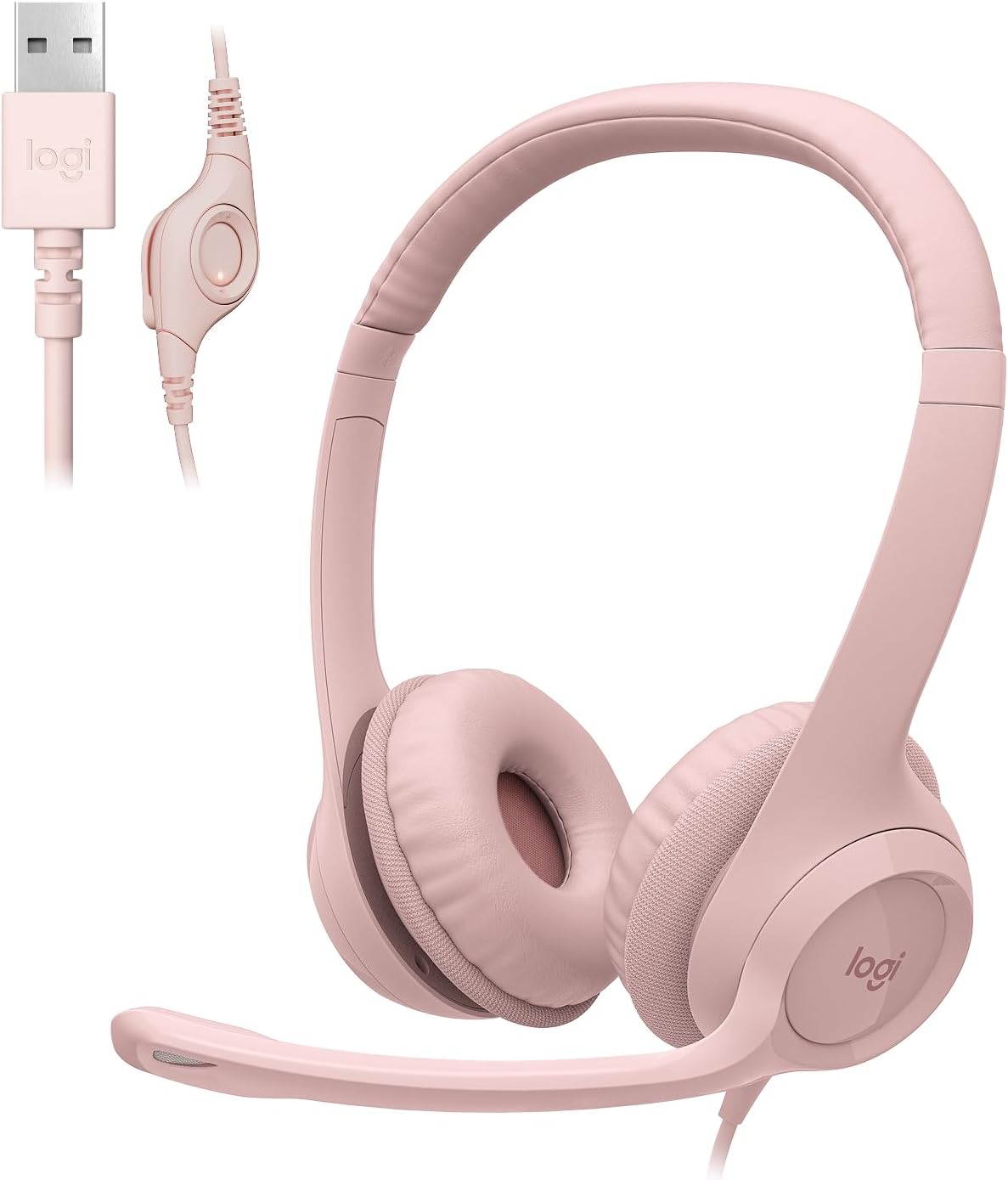
Logitech H390 Wired Headset PC/Laptop Stereo Headphones, USB-A, Rose
A stereo USB-A headset from a name most people already recognize, here in the Rose colorway. The simple, no-fuss option when you want plug-and-play audio and a familiar brand on the box.
Visit on AmazonPrices and availability may change. Check the retailer for current details.
How these products were compared
To be clear about method: I have not worn all five of these for a month, and I am not going to pretend otherwise. What follows is a comparison of what the listings publish, checked against what a headset actually has to do on a desk all day.
The criteria were connection type, microphone design, controls, wearing style, and condition. Connection type matters because a USB-A plug is not the same animal as a 3.5mm plug, and a laptop with only USB-C ports will need an adapter for most of this group. Microphone design matters because a boom that sits near your mouth is a different proposition from a mic buried in an earcup. Controls matter because reaching for the volume in the middle of a call is friction. Wearing style matters because on-ear sets press on the ear and over-ear sets clamp around it, and neither is automatically better. Condition matters because one of these five is sold as renewed, and that changes what you should expect out of the box.
No criterion here is presented as hands-on testing. Where a maker claims noise canceling or comfort, I say so and attribute it.
How to choose the right affordable computer headset
Start with the port, not the sound. Three of these five use USB-A, which is the rectangular port that older laptops and most desktops still have. If your machine is a newer ultrabook with only USB-C, budget for a small adapter, because none of the USB-A sets here will plug in directly. The JIAMQISHI model is the outlier because it also includes a 3.5mm plug, so it works with a headphone jack as well as a USB port. That single detail makes it the most versatile set in the group for someone with several devices.
Second, understand what noise canceling means on a headset at this level. In almost every case the phrase refers to the microphone, not the headphones. The mic is designed to reject some of the room around you so the person on the other end hears less keyboard and less air conditioner. It does not mean you get active noise cancellation in the earcups, and expecting that at this price is how people end up disappointed. If you need to block out a loud room for your own ears, that is a different purchase, and our guide to budget earbuds that survive small ear canals covers the fit side of that problem.
Third, decide between a boom mic and an in-line mic. A boom puts the element close to your mouth, which is why call center headsets use them and why the Yealink and NUBWO listings both lead with that design. An in-line control on the cable handles volume and mute, sometimes with a mute switch you can find by touch. On a headset you wear for hours, being able to mute without hunting through software is worth more than an extra feature on the spec sheet.
Fourth, sort out new versus renewed before you fall in love with a listing. The Astro A20 Gen 2 here is a renewed unit, which generally means it has been checked and repackaged rather than sold as new stock. That is not automatically a bad deal, especially on a wireless set, but it does mean you should confirm the return window and inspect what arrives.
Finally, be honest about the shape of your head and your ears. On-ear sets press against the ear and get uncomfortable faster for some people. Over-ear sets distribute weight differently but can feel warm. At this price you are not going to find a set that disappears, so pick the style you already know you tolerate.
Yealink UH34 Lite Wired Headset, USB-A, Noise Canceling Mic, in-Line Controls
The top pick is the least exciting product in the group, and that is exactly why it wins. The UH34 Lite is a wired USB-A headset with a noise canceling microphone and in-line controls, built in the shape that offices have settled on after decades of trial and error. There is no battery to charge, no wireless pairing to babysit, and no driver software standing between you and a working call. You plug it into the rectangular port and it shows up as an audio device.
For meetings, the boom mic and its noise canceling design do the work that matters: putting the element near your mouth instead of across the room. The in-line controls keep mute and volume on the cable, which is the right place for them when you are mid-sentence in a call and cannot go looking for a menu. It is a headset you can hand to a coworker or a family member and expect them to figure out in about ten seconds.
The trade-offs are real. It is wired, so you are tethered to the machine. It is USB-A only, so a USB-C laptop needs an adapter. And it is voiced for speech, not for music, so if you want one headset for calls and for listening to records while you work, a stereo set like the Logitech is the more sensible compromise. But for the job most people buy a computer headset to do, which is talking to other humans without sounding terrible, the Yealink is the most defensible pick here.
Alternatives to consider
The NUBWO HW02 USB Headset is better suited to a shared office or a call center desk, where a boom mic, in-line control, and a low-cost on-ear design are the whole point and music quality is not. The JIAMQISHI USB Headset is a stronger fit when you move between machines, because the USB plus 3.5mm combination means one headset can follow you from a work laptop to a phone with a jack.
The Astro Gaming A20 Gen 2 is the one to look at if you want to get up from the desk mid-call or you split your time between a PC and a console, since it is the only wireless set here and the only one listed for PS5 and PS4 as well as PC. Just go in knowing it is renewed, and that wireless always adds one more thing to charge.
The Logitech H390 covers the plainest need in the group: stereo USB-A audio from a brand most buyers already trust, in a Rose finish if the color matters to you. Nothing in its listing promises a noise canceling boom, so treat it as a stereo headset you can also talk through, not as a dedicated call tool.
Day-to-day use and maintenance
Wired headsets live and die at the plug and the strain relief. The most common failure is not a blown driver, it is a cable that gets yanked sideways out of a laptop while someone stands up. Loop the cable loosely rather than wrapping it tight around the earcups, and unplug by the connector body rather than by the cord. If your desk has a USB-A port on the front, use it, because a port on the back of a desktop tower means every tug travels further down the cable.
Set the headset as your default input and output in the operating system before your first call, not during it. Confirm the microphone level in the sound settings, then test with a short recording. Most built-in mic problems people blame on the headset turn out to be the wrong device selected in the meeting app.
On the mic side, position the boom about a finger's width from the corner of your mouth and slightly off to one side, which reduces plosives on hard consonants. If your headset has a mute switch on the cable, get in the habit of checking its position before you start talking, because a muted mic at the start of a meeting is the most common self-inflicted injury in remote work.
For cleaning, wipe the earpads with a slightly damp cloth rather than soaking them, and keep liquids away from the microphone element. Foam windscreens and leatherette pads do wear out, and on a headset at this price replacing the whole thing is often the practical call.
If you bought the renewed Astro set, open the box and test it the day it arrives. Pair it, run a call, check both earcups, and confirm the charging cable is included. A renewed item is only a good deal if it works before the return window closes.
Buying checklist
- Confirm which ports your computer actually has, since four of these five want USB-A and only one includes a 3.5mm plug.
- Choose the connection type based on your normal setup rather than the one odd day you present from a tablet.
- Check whether the microphone is a boom design or built into the earcup, because that changes how you sound on calls.
- Confirm the exact model includes in-line controls if mute and volume on the cable matter to you.
- Note whether the unit is new or renewed, and read the condition and return terms.
- Read the cleaning and care instructions for the earpads and mic element.
- Verify the current retailer price, availability, and return window before ordering.
Final recommendation
Choose the Yealink UH34 Lite Wired Headset when your day is calls and meetings and you want the clearest, least fussy path to being understood. It is the best of these affordable computer headsets for that job, and it is the one I would point a coworker toward without a second thought.
Choose the JIAMQISHI USB Headset when you need one headset to work across a USB laptop and a device with a headphone jack. Choose the Astro Gaming A20 Gen 2 when wireless freedom and console compatibility matter more than the renewed condition. Choose the Logitech H390 when you want the lowest-cost familiar name in a stereo USB headset, and the NUBWO HW02 when a boom mic on an on-ear call center design is exactly what the desk needs.
If none of that moves you, the honest answer is that at this price the differences are small and any of these five will get you off the laptop's built-in microphone. Pick the one whose port matches your computer, plug it in, and stop reading reviews.