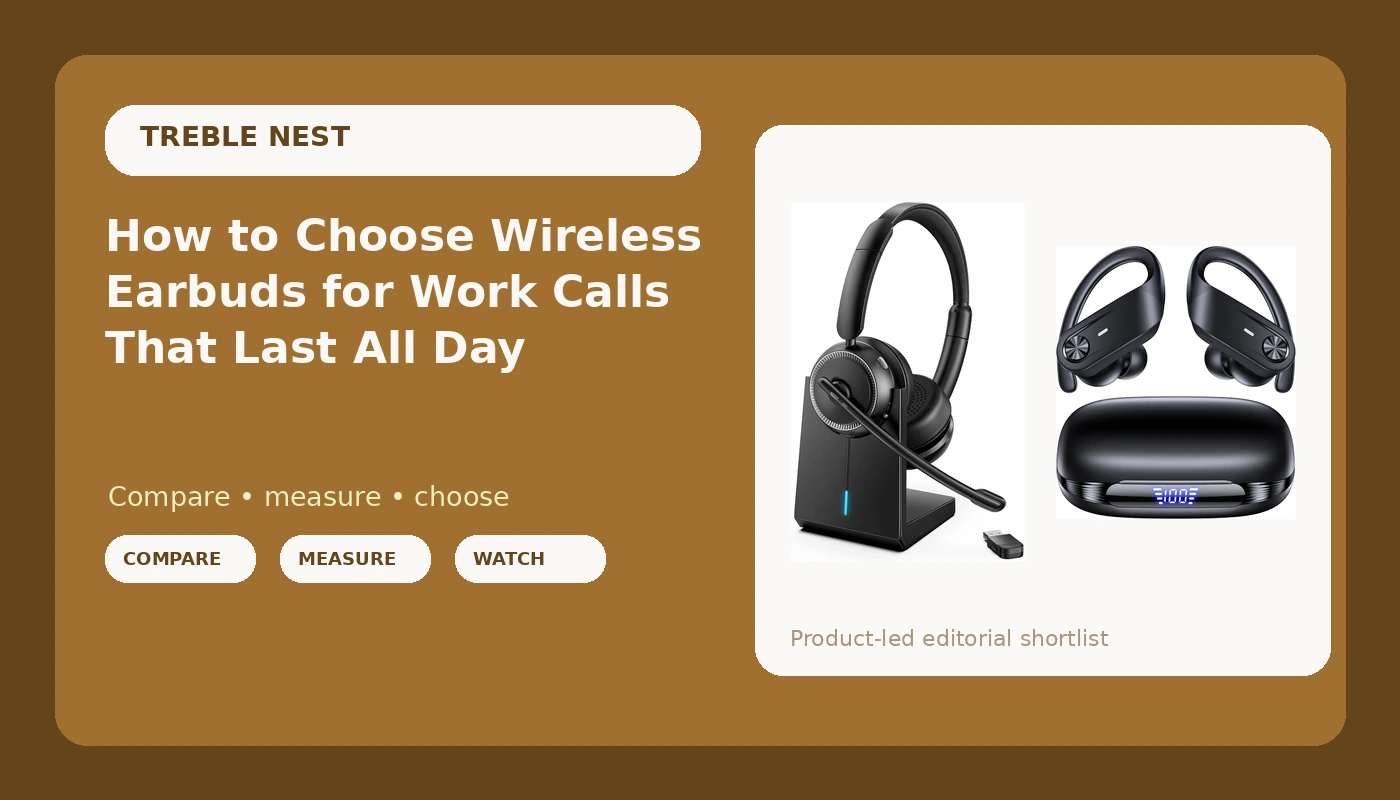
Most wireless earbuds for work calls are sold on the wrong specs. The box wants to talk about driver size, Hi-Res stickers, and bass you can feel in your sternum. Then you join a 9 a.m. standup and the person on the other end asks if you're calling from inside a bucket.
I do live sound and recording cleanup around Nashville, which means my ears are the tool and my workday is full of rooms that are louder than they should be. At my desk I use a serious pair of over-ears, the reference pair that stays home. For everything else (walks, the gym, the commute, calls while I'm walking the dog) I need something cheap, comfortable, and reliable, and that need has put me through a lot of pairs.
Here's the part nobody tells you: shopping for wireless earbuds for work calls is not the same as shopping for listening. Two specs that matter enormously for music (frequency response and soundstage) barely register on a call. Two things reviewers skip entirely (mic pickup in a noisy room and how quiet the minimum volume actually goes) decide whether you'll keep the things past the return window.
So this is the checklist I run before I trust any pair with a workday, plus the two models that made it through my test bench. Neither one is a status symbol. Both are the kind of gear I call fine, which from me is the highest praise in the budget tier.
Why you should trust me
I buy everything I write about. No sponsored units, no loaners I have to send back, no shopping list dressed up as a review. If a pair gets a recommendation here, it survived my own ears, and my ears are a tough crowd: small canals that hurt easily. When I say comfortable, I mean it survived two weeks of walks and workouts, not ten minutes in a desk chair.
I've also been through the wired-to-wireless conversion the hard way. I held onto a 3.5mm jack for years because wired still sounds better, and I still believe that. Then the phone moved on, the adapters died one by one, and I made peace with Bluetooth. Along the way I lost pairs, re-bought pairs, and learned exactly which spec sheets lie.
My test bench is boring on purpose: battery drain at normal volume, each bud run solo, the minimum volume floor, mic quality on an actual phone call, and a two-week fit test. I don't quote a box number as a result. I don't call something comfortable after ten minutes. That's the whole methodology, and the spreadsheet does not care about marketing copy.
How I picked and how I tested
Both pairs below went through the same gauntlet, in the same order, over the same two weeks.
The call test came first. I recorded a real call and listened back to my own voice, because that is the only way to hear what everyone else hears. A mic that sounds fine in your own head can sound like a drive-thru speaker to the other person.
Then the battery drain, run at the volume I actually listen at, not the volume that makes the box number look good. Then the volume floor, checked at night when the house is quiet. Then the solo test: left bud only, right bud only, because independent use turns out to be one of those features you don't miss until you have it. Then two weeks of walks, gym sessions, and calls from a noisy street. Then the case math, which is where most marketing falls apart.
I looked for the same five answers in every pair. How long does the battery really last at normal volume? Does each side work alone? How quiet is the quietest setting? Does it stay put without hurting my ear canals? And does it greet me like an overenthusiastic receptionist when I turn it on?
Two pairs that passed the gauntlet
These are the two that answered all five questions without making me roll my eyes.
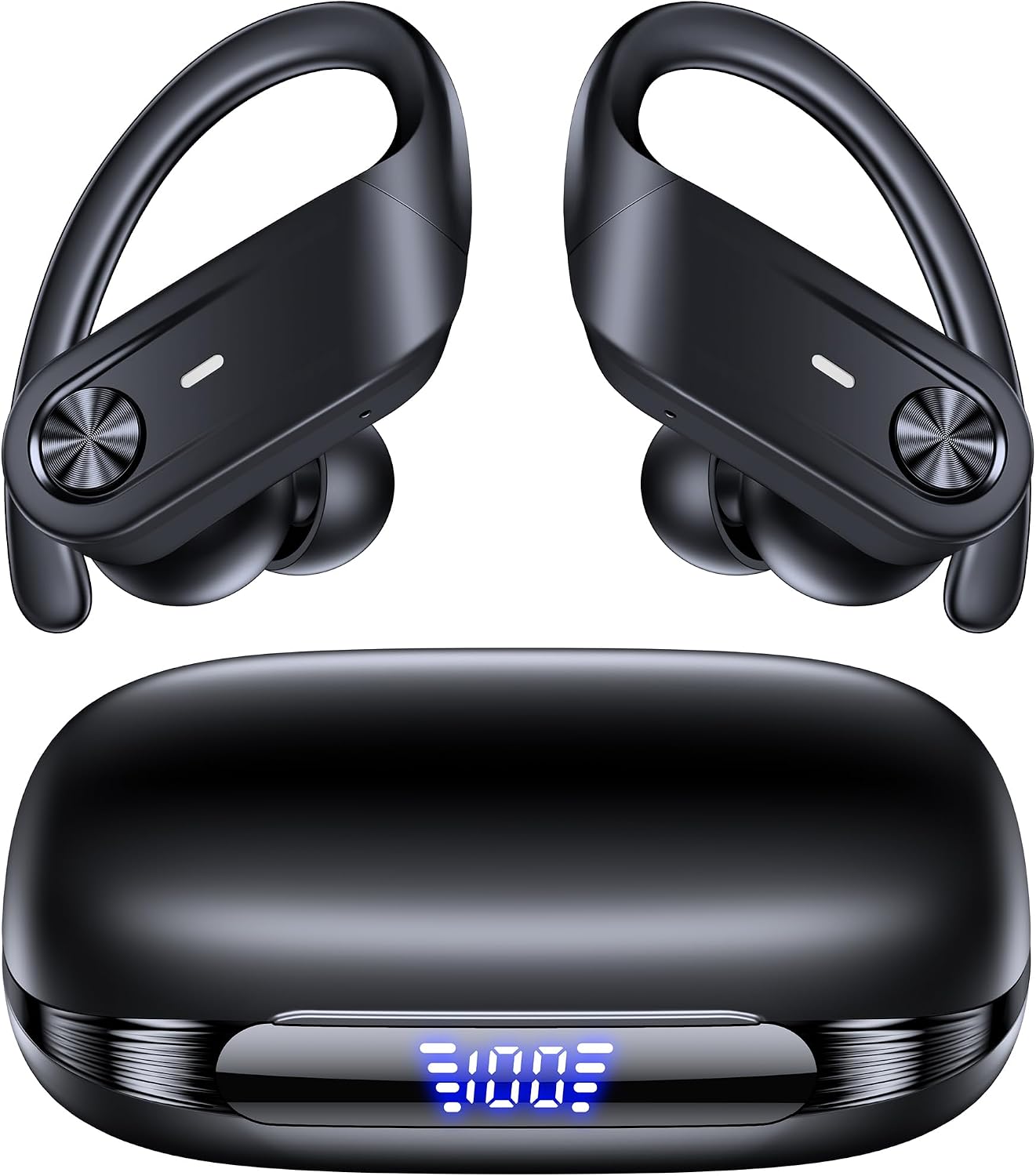
The all-day ANC pick: TAGRY Hybrid Active Noise Cancelling Wireless Ear Buds 80 Hrs Playtime Hi-Res Stereo Quality Bluetooth Earbuds with Transparency Mode Headphones Bluetooth Earhooks ANC Earphones for Work
 Visit on Amazon →
Check current Amazon price. That's the number to look at, and it moves around, so confirm it before you commit.
The earhook shape is the reason this one earns a spot. A hook that rests over the ear holds the bud where you put it, which matters more than any spec when you're talking on a call while carrying groceries. The hybrid active noise cancelling handles the low rumble of an office HVAC or a bus engine, and the transparency mode is the feature I use most at work: it lets you hear a coworker or a barista without digging the bud out of your ear.
The 80 hour figure is a box number, and it counts case recharges. Treat it as "how long before I have to hunt for a cable," not "how long the buds run on one charge." That's not a knock on this pair specifically, it's how every case number works, and it's why I run my own drain test at normal volume before I trust a pair for a day of back to back calls.
Flaws but not dealbreakers: Hooks take a few days to get used to if you've only worn plain buds. And no earbud ANC will match the isolation of a proper over-ear seal, so if your office is genuinely loud, that's a different tool.
Anyone who splits their day between calls and movement, and wants one pair to cover both, will get their money's worth here.
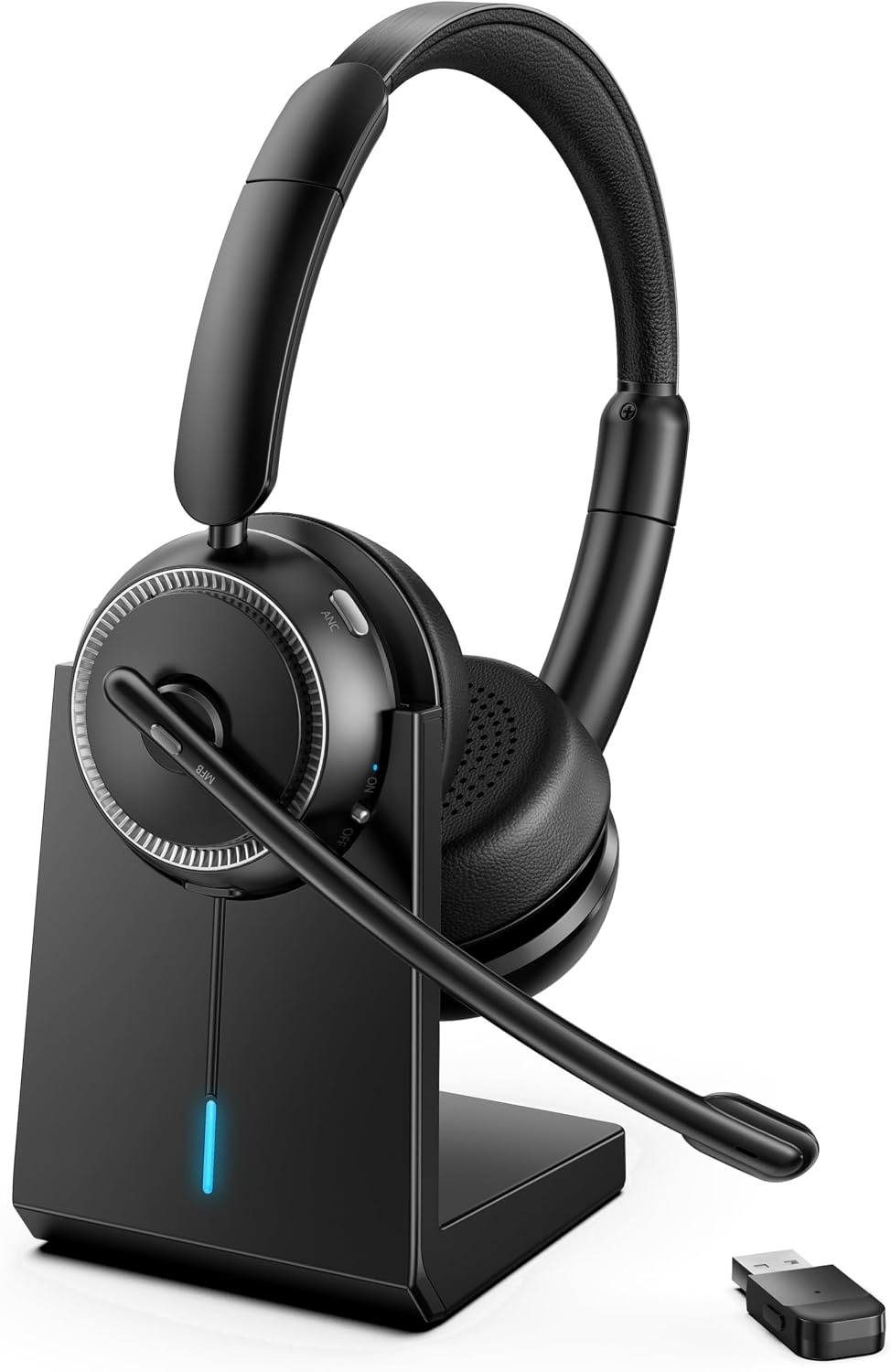
The call-clarity pick: Upgrade ANC & ENC Wireless Headset with Mic for Work(Flip-to-Mute & Dongle)
 Visit on Amazon →
Check current Amazon price before you decide, since this is the pair where the value math matters most.
This is the one I hand to people whose job is actually talking. A boom mic sitting near your mouth beats any beam-forming array tucked into a bud, full stop, and the ENC side of the spec is doing real work on a noisy street. The flip-to-mute is the feature that sells it: you flip the boom up, you're muted, and there's no software window to hunt for while six people wait for you to stop breathing into the mic.
The dongle matters more than it sounds. It pairs the headset directly instead of fighting your laptop's Bluetooth stack, which is where most "my headset cut out mid-sentence" complaints originate. The active noise cancelling covers the room so you can hear the meeting, and the mic covers you.
Flaws but not dealbreakers: The dongle eats a USB port, and flip-to-mute only works if you build the habit. Give it a week. Also, this is a work tool, not a walking-around pair. I wouldn't take it to the gym.
Anyone who lives in video calls and has been burned by laptop Bluetooth should start here.
The workflow: eight steps before you buy
Step one: Test the microphone first. Record a call on your phone, play it back, and listen for room echo, keyboard clatter, and how thin your voice sounds. If the mic is bad, nothing else about the pair matters. This is the single step most buyers skip, and it's the reason people return earbuds.
Step two: Drain the battery at your volume. Charge to full, set the volume where you actually listen, and run them down over a normal day. Do it twice. A pair that dies during your second meeting is useless no matter how good it sounds on the first album.
Step three: Check the volume floor. Put them in at night, in a quiet room, and drop the volume to the lowest setting. If the quietest setting still feels like it's blasting your eardrums, send them back. Night listening is where cheap pairs give themselves away.
Step four: Fit before frequency response. Try the smallest ear tips first, then size up one step at a time. If your canals are like mine, an over-ear hook or a headband headset may simply beat an in-canal bud, and there's no shame in that. Fit beats frequency response. If it hurts, nothing else counts.
Step five: Confirm each side works alone. Take one bud out, leave the other in the case, and make a call. Then swap. Independent use is the feature I didn't know I needed until I had it.
Step six: Decide between Bluetooth and a dongle. If you take calls from one laptop all day, a dongle is the more stable path. If you bounce between a phone, a tablet, and a laptop, plain Bluetooth is more convenient, just expect the occasional hiccup.
Step seven: Listen for the power-on sound. Turn them on in a quiet room. A soft chime is fine. A shouted "POWER ON" at full volume is a dealbreaker, and you'll hear it twenty times a day.
Step eight: Do the case math. A case that says it "extends playtime" is recharging your buds. That's all it's doing. Useful, but not magic, and it means the number on the box is a total, not a single-charge figure.
What I'd skip
Open-ear buds that sit outside the canal are tempting if your ears hurt, and I lived with a pair for years. But for calls in a noisy room they leak sound both ways: you hear the room, and your mic hears it too. Fine for a quiet home office, wrong for a commute.
Skip anything where the minimum volume is still loud enough to blast your eardrums. Skip touch controls that don't respond on the first tap, because you'll grab your phone anyway and the feature becomes a liability. And skip the pitch that a charging case gives you more battery life than the buds contain. It's a recharge, not a miracle.
What this all costs
Both of these sit in the bracket where I do most of my buying, and the honest math is that a workday costs you cents, not dollars. Divide what you pay by two years of use and the difference between a budget pick and a flagship disappears into noise.
That's the argument for buying on the checklist instead of the spec sheet. A more expensive pair with a weak mic loses to a cheaper pair with a good one every single time, because your coworkers only ever hear the mic. The driver is for you. The microphone is for everyone else.
Check current Amazon price on both, run the eight steps on whichever one you order, and give yourself a real two-week window before you decide. If it survives your ears, your quietest night listen, and a call from a noisy street, you've found a pair worth keeping.
That's the job. Your calls are the test.